Creating Your Digital Key
To use most AI tools, you'll need an email account. Think of it as your own personal key to the digital world. Let's create one together using Gmail.
Step 1: Go to the Gmail website
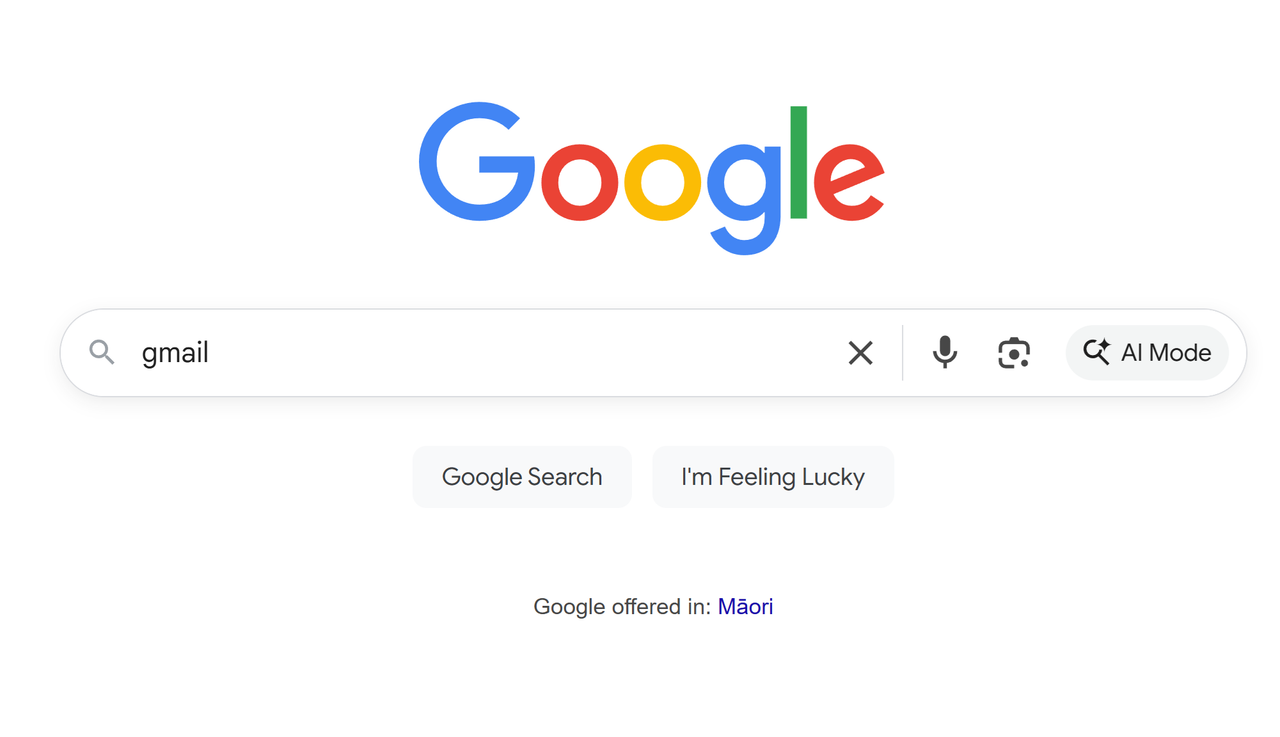
Open your web browser and go to gmail.com. Look for a button that says "Create account" and click it.
Step 2: Enter your name
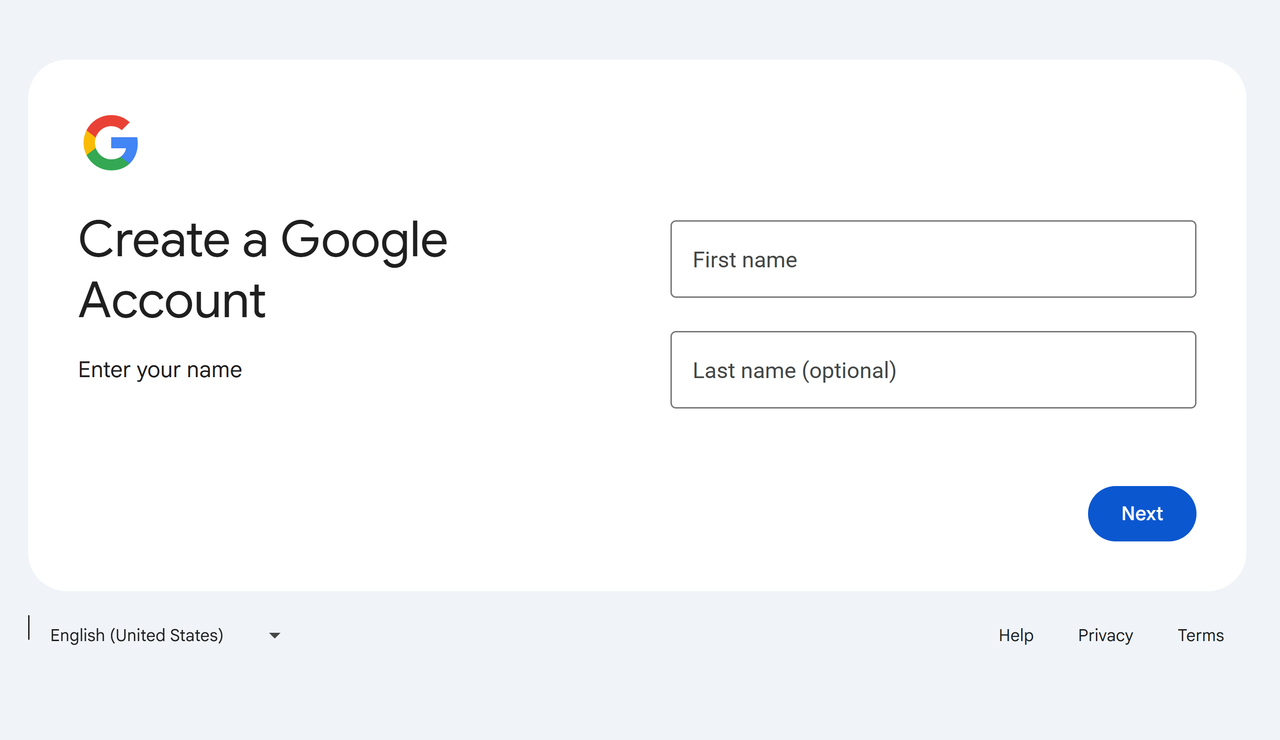
The first thing Google will ask for is your name. Type your first and last name into the boxes provided.
Step 3: Add your date of birth and gender
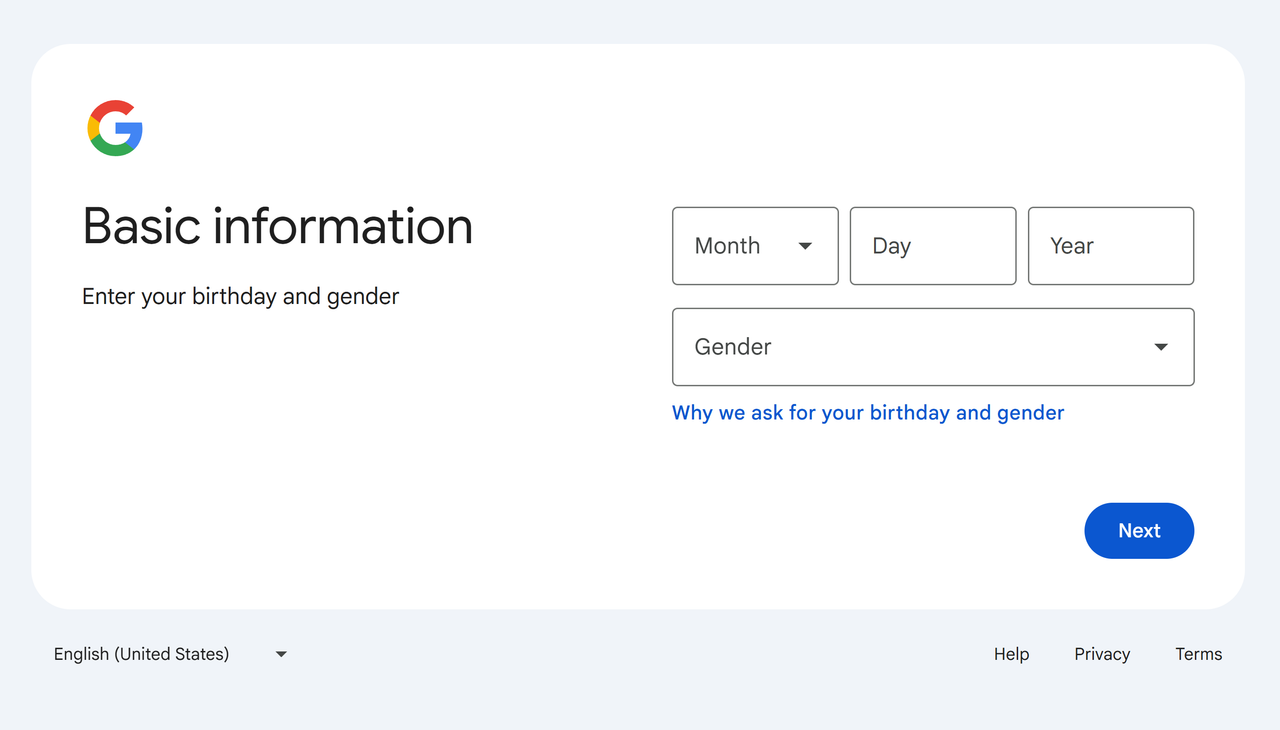
Next, you'll need to enter your birthday. This is used to make sure you're old enough to have an account. You can also select your gender.
Step 4: Choose your email address
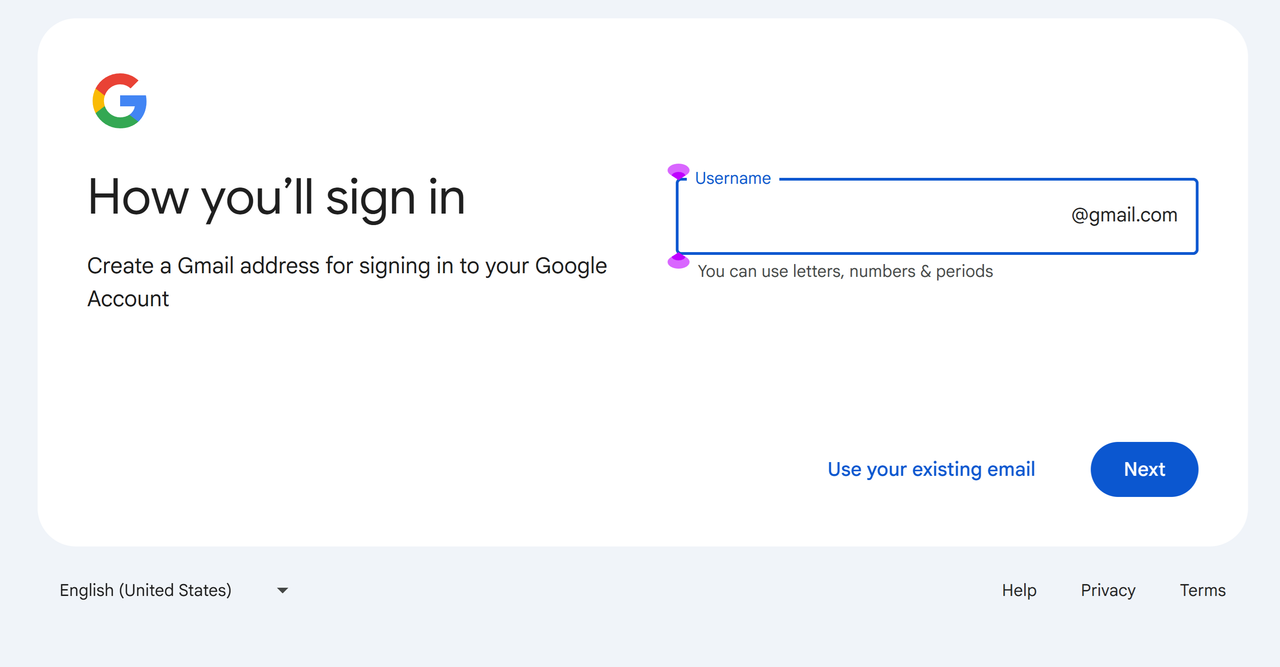
This is the fun part! You get to choose your email address. This is what you'll give to people so they can email you. It has to be unique, so if your first choice is taken, you might need to add some numbers or try a different combination.
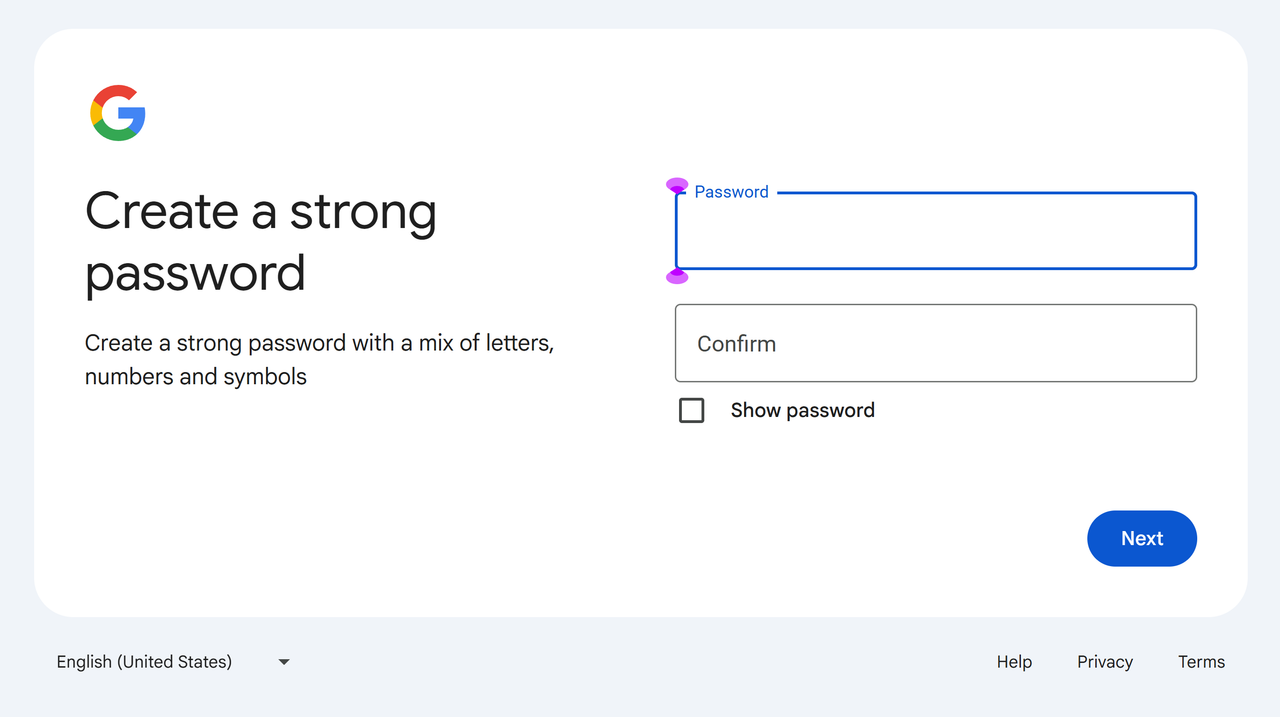
Step 5: Create a strong password
Your password is the secret code that protects your account. It's very important to create a strong one. A good password uses a mix of uppercase and lowercase letters, numbers, and symbols (like !, @, or #).
Congratulations!
You've successfully created your digital key! You're now ready to explore the world of AI. Use the buttons below to head back home or jump into the playground.